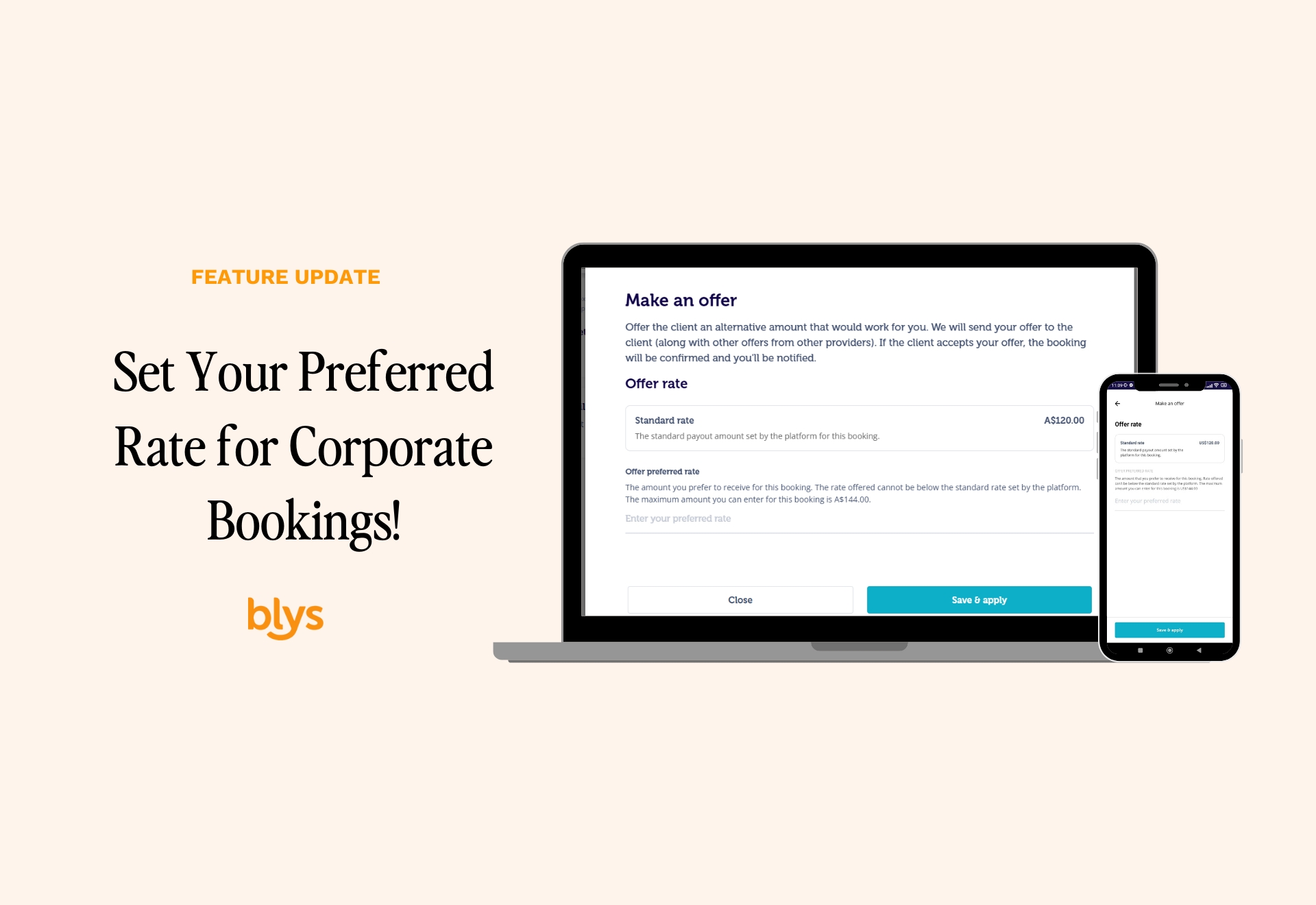
At Blys, we believe in giving our providers the freedom and flexibility to work on their own terms. You can now set your own payout rate for corporate bookings! This update puts more control in your hands, allowing you to offer a payout rate that works best for you while ensuring corporate clients receive top-tier wellness services.
Just like making an offer on regular pending bookings, the process is simple and seamless:
For Mobile
You can make an offer on new corporate bookings via the Blys Pro app on your mobile by following these steps:
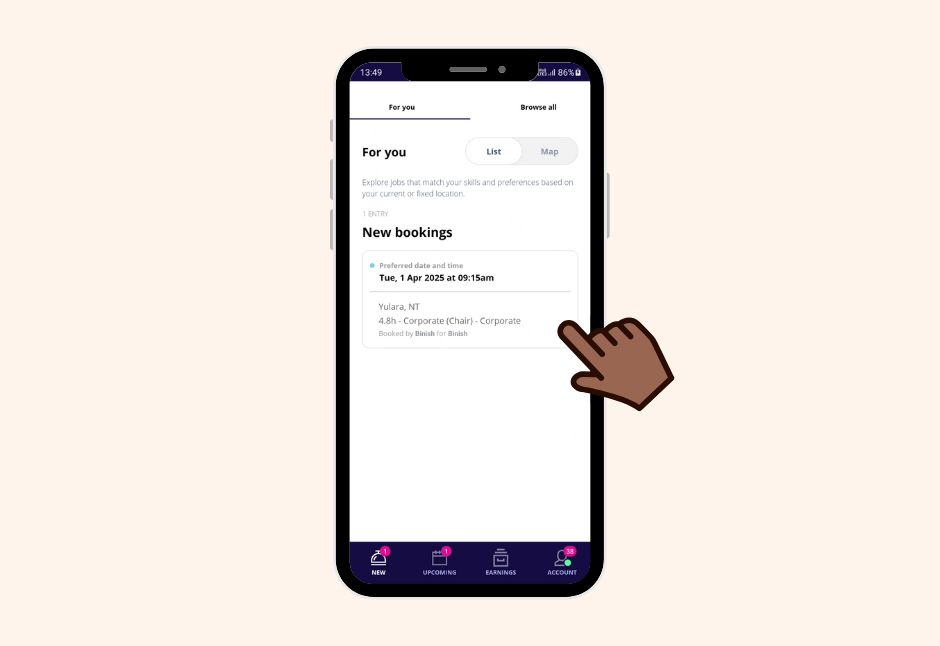
1. After opening your Blys Pro App, navigate to New Bookings and tap on a new corporate booking under ‘For You‘.
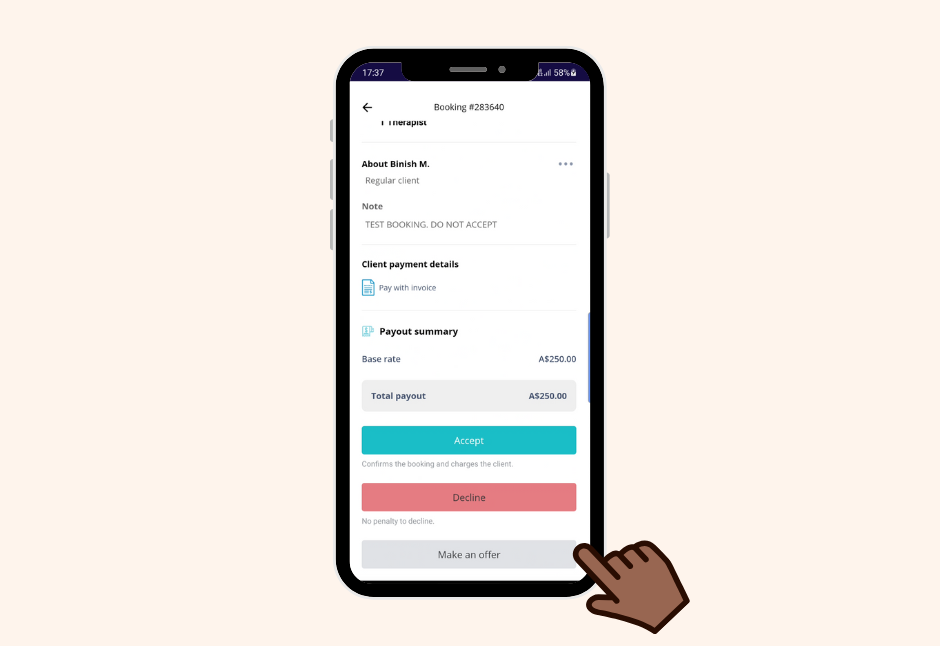
2. Tap on “Make an Offer” on a new corporate booking.
3. Enter your payout rate. Make sure that the offered rate is not less than the standard payout rate set by the platform, nor more than 20% of it.


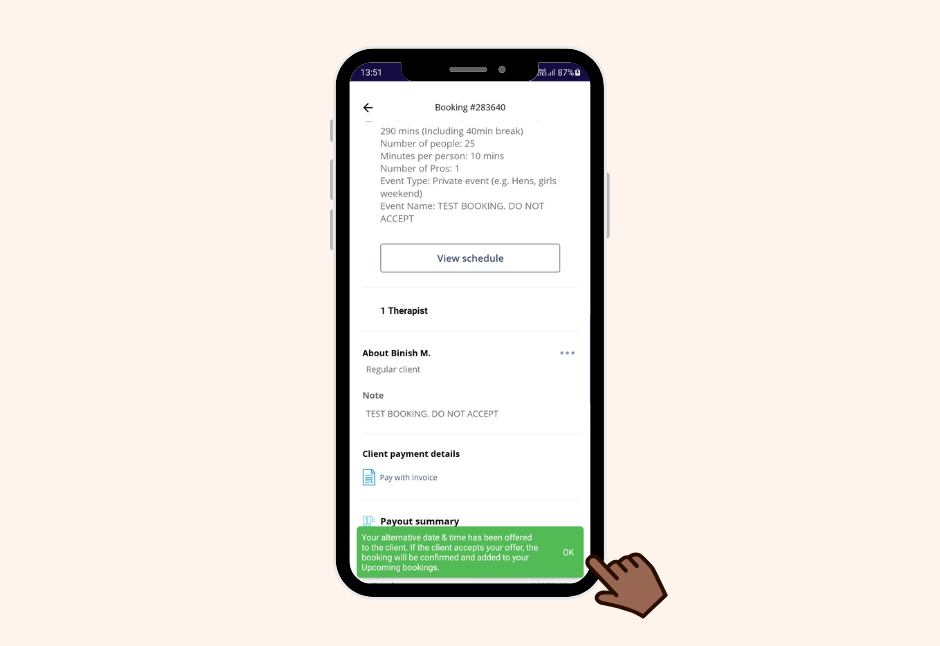
4. Tap on Save & Apply. Once offers are submitted by you and any other provider notified for the job, the system will alert the client. If the client accepts your offer, the corporate booking will be confirmed and you will see the update in your dashboard.

For PC
You can make an offer on new corporate bookings via the web app on your PC by following these steps:
1. Go to Pro Dashboard.

2. Click “Make an Offer” on a new corporate booking.

3. Enter your payout rate. Make sure that the offered rate is not less than the standard payout rate set by the platform, nor more than 20% of it.

4. Once offers are submitted by you and any other provider notified for the job, the system will alert the client. If the client accepts your offer, the corporate booking will be confirmed and you will see the update in your dashboard.
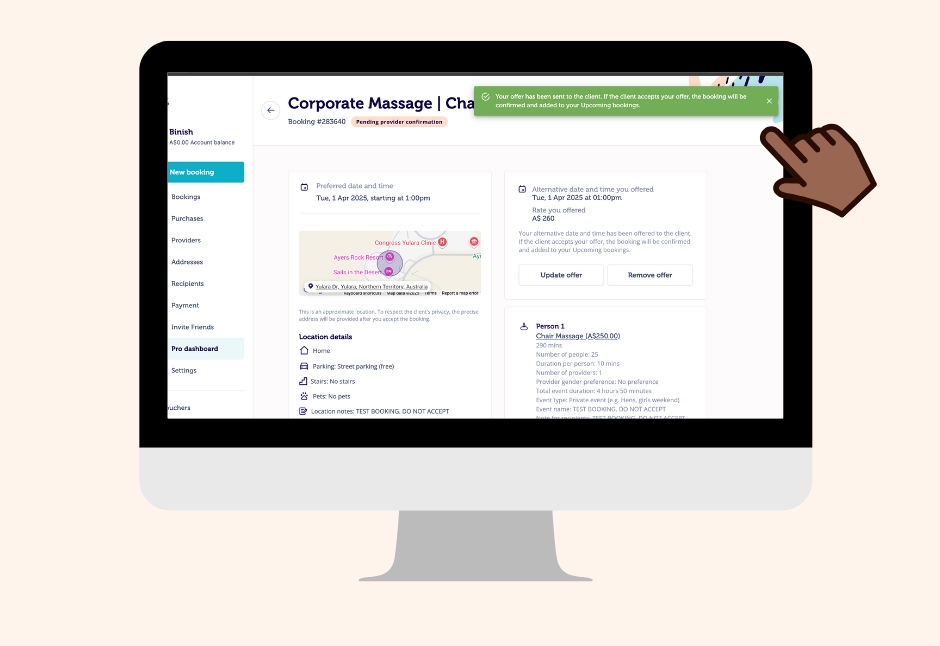
You can make your offer on corporate bookings from your mobile or computer. With this update, you can have more control over your earnings through a fair and transparent system that lets all available providers compete for corporate bookings on equal terms. Not to mention, you can do this with the fewest steps possible.
Still confused on how the feature works? Check out this detailed article for more information.